
.svg)
Email infrastructure for agencies that scales with your outreach
Run client outreach without sharing sender reputation. Give every client separate domains, mailboxes and sending infrastructure while managing everything through Mission Inbox.
Give every client their own sending environment
Onboard new clients without infrastructure chaos
Set up client domains, mailboxes and sending routes in one place, then connect them to the sequencer your agency already uses.



Keep every client completely isolated
Use separate Cubes for each client so poor performance from one account does not damage every campaign your agency manages.
Catch risky sends before they cause damage
MI Shield checks content, authentication and sending behaviour before emails leave, helping protect each client’s domains, IPs and reputation.

Everything your agency needs to manage client sending
Isolated client Cubes
Reliable SMTP mailboxes
Dedicated IPs
Central delivery monitoring
A look inside Mission Inbox


.svg)
.svg)


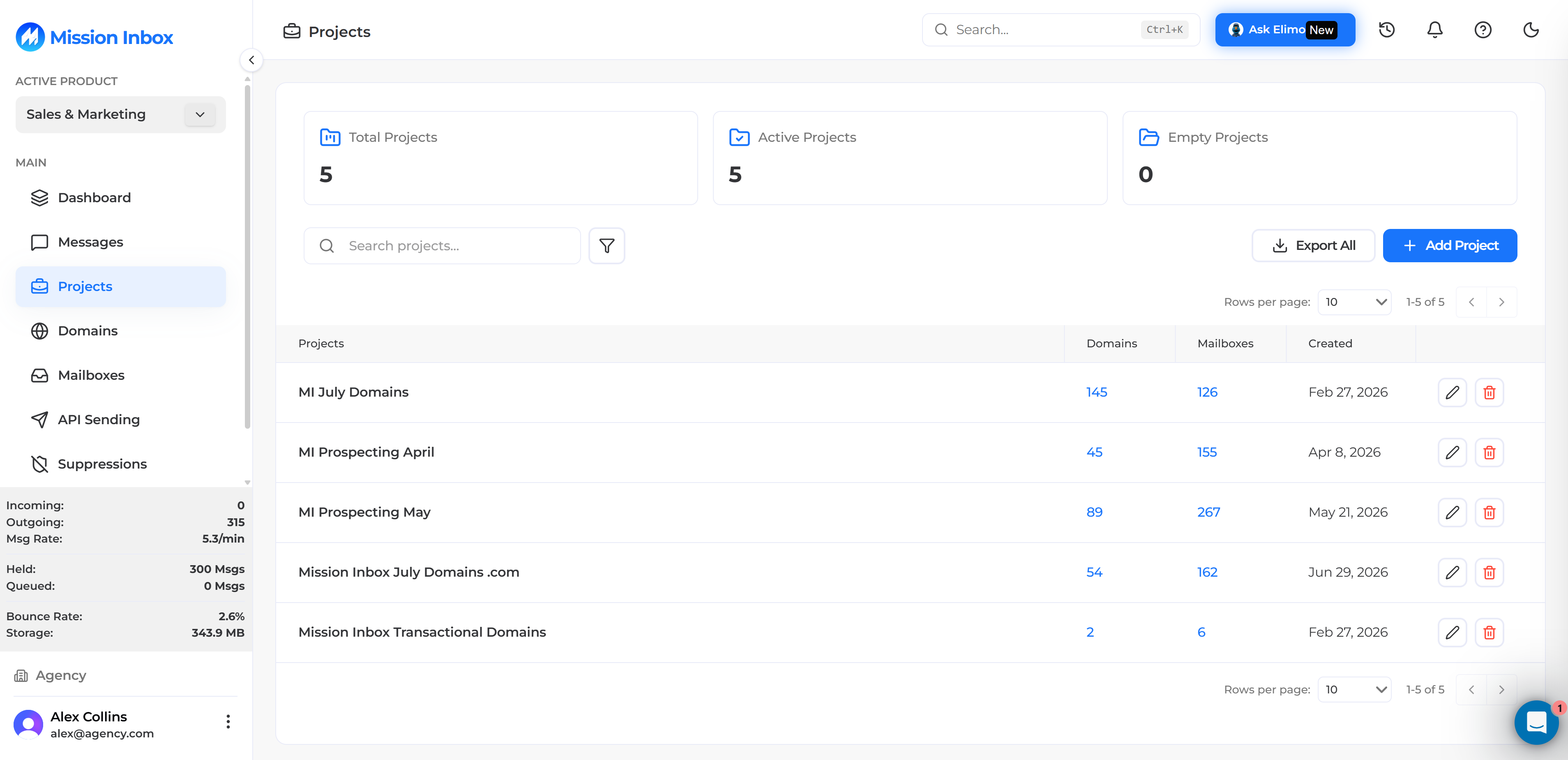

%202.svg)


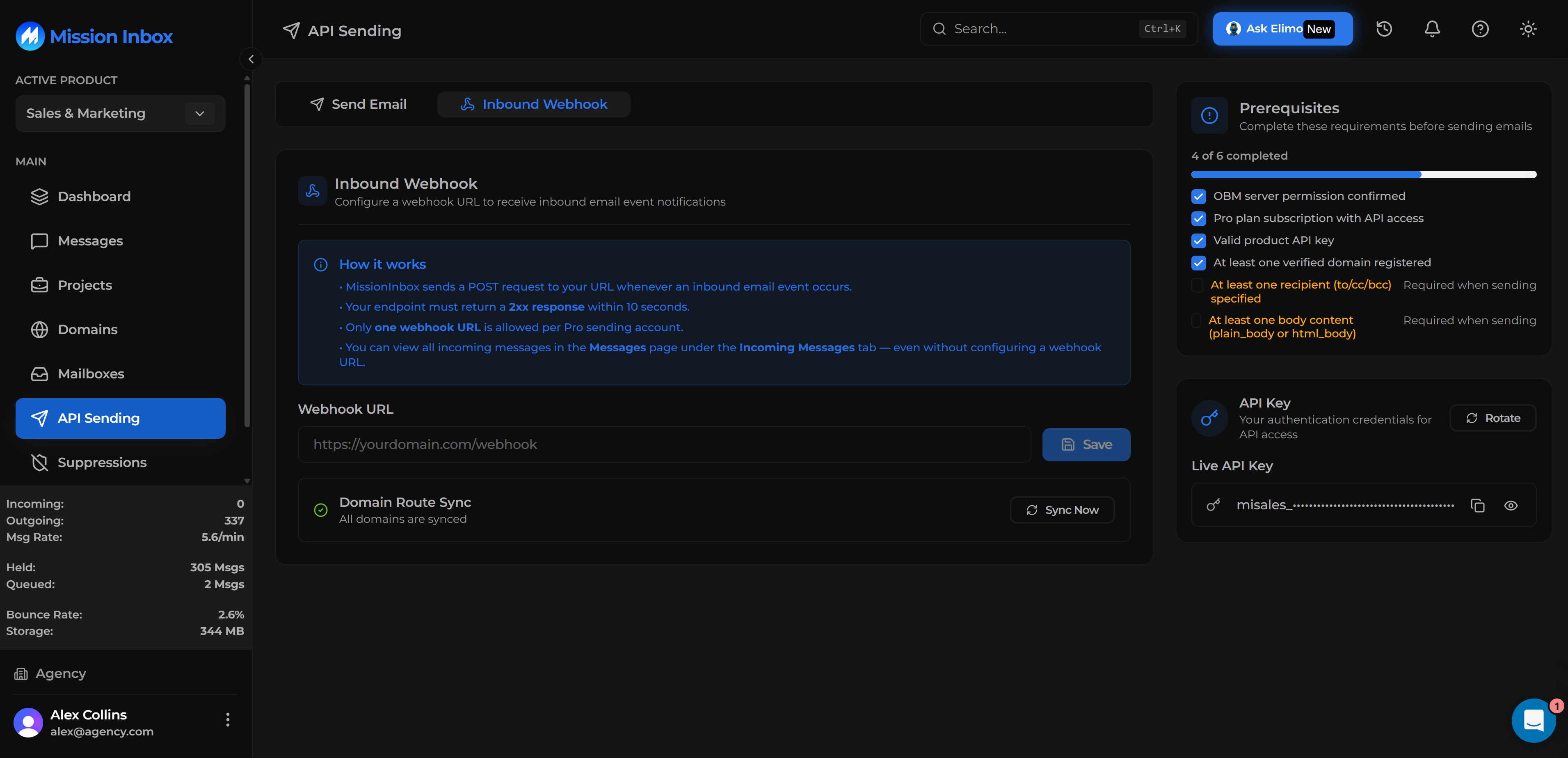


Email infrastructure for agencies: frequently asked questions
We always deliver
Teams that rely on email, run on Mission Inbox. See what changed after they moved away from shared sending infrastructure.
"

Protect your sending reputation before the first email goes out.
MI Shield is included with every Cube, so every workload gets pre-send protection from day one.




© 2026 Mission Inbox Inc, All Rights Reserved | Property of Mission Inbox Inc
.svg)