








Trusted by teams sending 50M+ emails per month

"Super happy with the results. I'm seeing a 33% reply rate with over 54% positive replies on one campaign, and 74% open rates with zero bounces"

Mission Inbox gives sales and marketing teams the sending infrastructure behind high-volume campaigns, while developers use the same platform to send email from their products. Keep every workload separate, protected and under control.
Trusted by teams sending 50M+ emails per month

"Super happy with the results. I'm seeing a 33% reply rate with over 54% positive replies on one campaign, and 74% open rates with zero bounces"

Monthly Emails
Inbox Rate
Redundancy layers
Assets Managed
Connect the tools your team already uses to run outbound.
Give campaigns the setup they need without relying on generic mailbox limits.
Keep agency clients, teams and campaigns from affecting each other.
Connect your application directly to Mission Inbox.
Send password resets, invoices, alerts, onboarding emails and notifications.
See what happened after every send and send that data back into your product.

Sales Teams
Run cold outreach through dedicated mailboxes and infrastructure built for volume.
Agencies
Manage client sending environments without mixing every client into the same reputation pool.
Marketing Teams
Keep promotional campaigns separate from sales and product email.
Recruiters
Run high-volume candidate outreach without burning a domain.
RevOps & GTM Teams
Coordinate outbound sending across multiple tools and reps from one place.
Founders & BD
Run your own outbound before there's a dedicated sales or marketing hire.
Transactional Email
Password resets, login codes, invoices, receipts and account alerts.
Product Notifications
Onboarding, in-app triggered updates and status changes.
Platforms & Marketplaces
Multi-tenant apps sending email on behalf of their own users.
AI Agents & Automations
Agents and workflows sending programmatically, with no human in the loop.
Internal Tools & Ops
Scripts, monitoring alerts and internal reporting email.
Product-Led Growth
Lifecycle and activation email triggered from inside the app itself.
Continue using the mailbox, CRM, sequencer or product your team already knows. Mission Inbox just becomes the infrastructure behind it.
Send through isolated server instances and dedicated IPs instead of sharing reputation with unknown senders. Sales, marketing, transactional and financial email stay separate. Scale from 10k to 50M sends without touching anyone else's reputation.
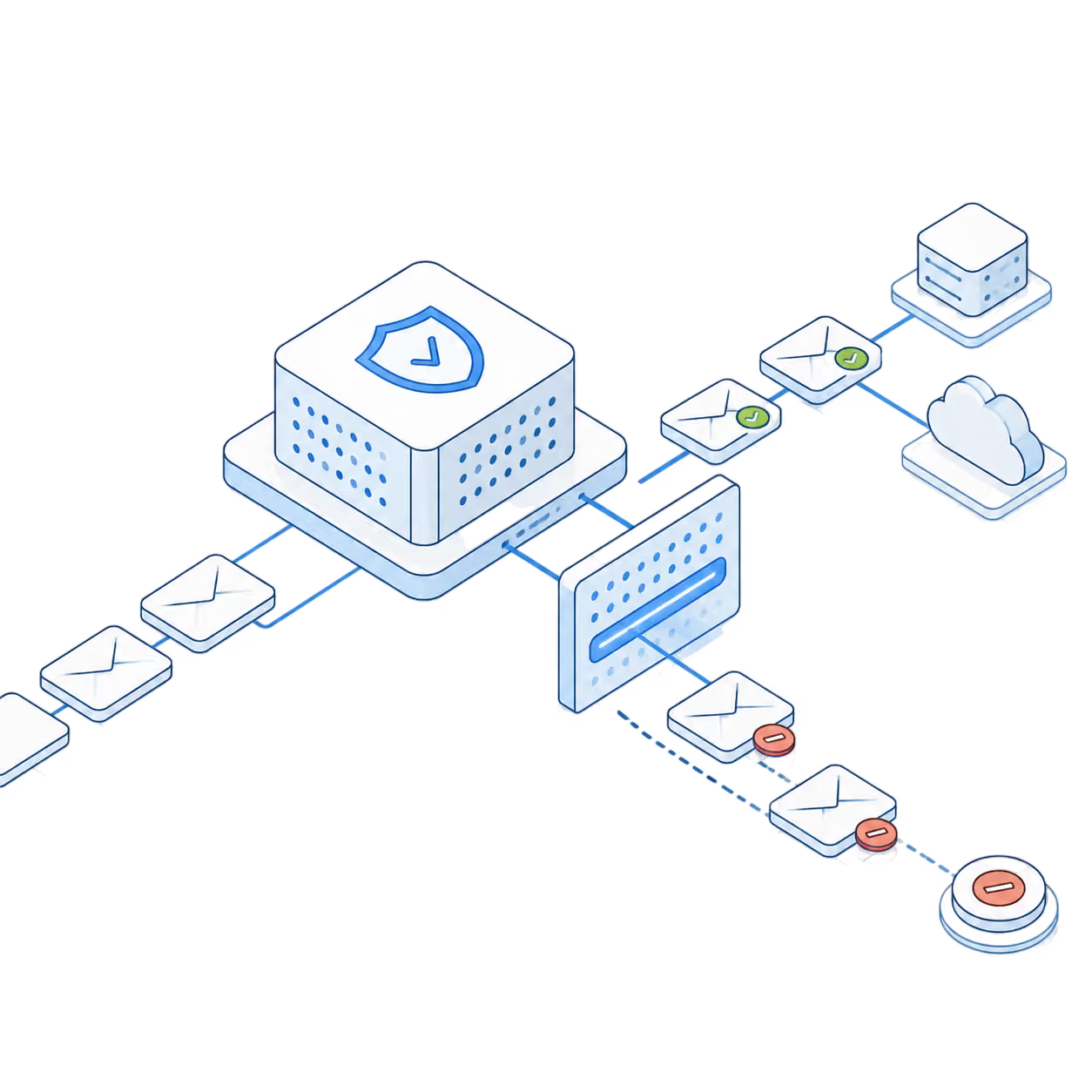
βMI Shield checks content, headers, DNS and spam signals before sending. Risky emails are identified before they can damage your domain or sending reputation.
Send through a REST API, drop in SMTP credentials, or connect the tools you already use. Most teams are sending within an hour and nothing about how you work has to change.


For individuals and small teams that need reliable mailboxes and dedicated sending infrastructure.
15 mailboxes included
5,000 sends per month
Dedicated IP addresses
MI Shieldβ’ protection
Analytics and sending logs
Overage - Pause account and Upgrade
For Agencies, Startups and Companies that require mailboxes to serve their clients and Team.
30 mailboxes included*
10,000 sends per month*
Dedicated IP addresses
MI Shieldβ’ protection
Analytics and sending logs
For platforms and enterprises sending high-volume email directly through our API.
5 Domains Included
100K sends per month
Dedicated IP addresses
MI Shieldβ’ protection
Send, receive and track delivery status
Additional domains: $2 per domain
Additional emails: $1 per 1000 sends
Teams that rely on email, run on Mission Inbox. See what changed after they moved away from shared sending infrastructure.
Clear answers on setup, infrastructure and how Mission Inbox fits into your existing workflow.
Mission Inbox is the sending infrastructure behind outgoing email. It helps teams send sales, marketing, transactional and product emails through dedicated infrastructure built for volume and inbox placement.
Yes.
No. Mission Inbox does not build campaigns, manage contacts or write sequences. It works underneath your CRM, sequencer, product or existing tools.
Mission Inbox is built for teams that rely on outgoing email, including sales teams, agencies, marketing teams, platforms, developers and businesses sending transactional or financial email.
You can send EVERY type of email; sales outreach, marketing campaigns, product notifications, password resets, invoices, alerts and other outgoing email workloads.
Isolated Cubes are separate sending environments for different workloads. Sales, marketing, transactional and financial email can each run separately so one stream does not damage another.
MI Shield checks content, headers, DNS and spam signals before emails are sent. It helps catch risky emails before they damage your domain or reputation.
Yes. Mission Inbox uses dedicated IPs and isolated infrastructure instead of placing your sending inside crowded shared pools.
Yes. You can view analytics, logs, delivery activity, bounces, sending health and performance from inside the platform.
Mission Inbox is built with redundancy across three continents. If one route has a problem, email can continue moving through another.
Mission Inbox is built for setup in under five minutes. You can also get help from the team if you want support getting everything connected.
Yes. Mission Inbox can work with your current mailbox, CRM, sequencer, product or API workflow.
Replies go back to the mailbox your team already uses, so conversations stay inside your normal workflow.
Yes. Demo Mode lets you explore the full platform with preloaded domains, mailboxes, messages, analytics and logs.
You can preview the platform in Demo Mode first. To connect your own setup and send live email, choose a paid plan and start sending.
Stop relying on shared infrastructure that you don't control. Mission Inbox gives you dedicated servers, dedicated IPs, and full ownership of your sending reputation.