
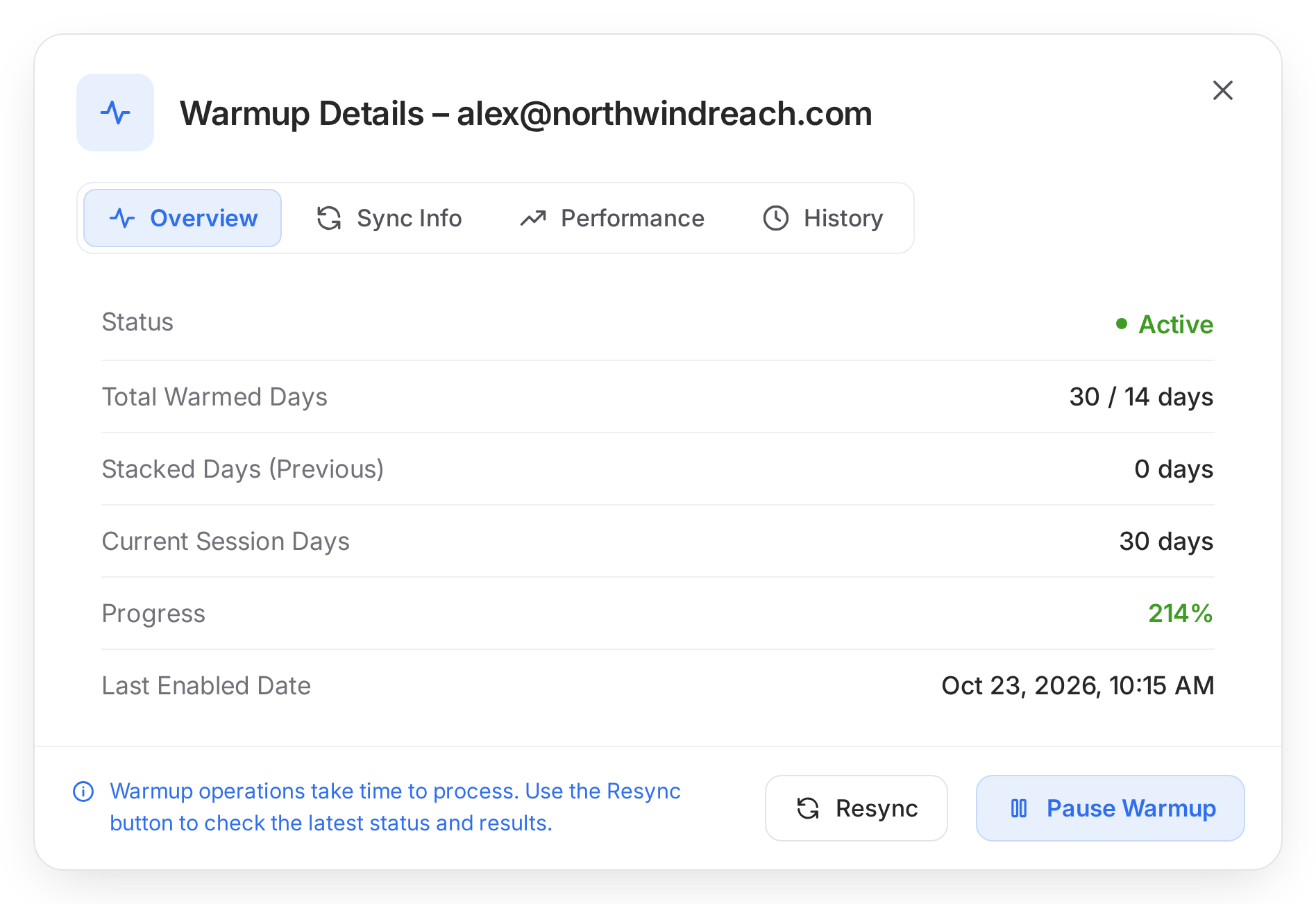
With Mailscale you can't see what you send from. With Mission Inbox, it's yours.

Mailscale doesn't say publicly whether your campaigns send from shared or dedicated IPs. On a shared pool, one poor campaign from another sender can get your domains blacklisted. Mission Inbox protects your reply rates with private infrastructure on dedicated IPs.

Thank you! Your submission has been received!
Oops! Something went wrong while submitting the form.
โœ“ No credit card needed
โœ“ 10 min setup
โœ“ Auto-DNS
or book a demo โ†’

โ€œ33% reply rate with over 54% positive replies.โ€

Sary Jalkh, Growth Lead at Vessel.co

โ€œ10โ€“15% reply rates, up to 37.5% positive replies.โ€

Gabriel Martinez, CEO at Reachflow

โ€œIncreased my reply rate from 3% to over 10%.โ€

Cesar Ballesta, cold email agency owner

โ€œOver 85% open rates across all of our clientsโ€™ campaigns.โ€

Hussain Hazari, Founder at Outbound Gen

โ€œMission Inbox handles all our deliverability.โ€

Rohan, Bluebirds

โ€œConsistently came out on top, with 0 blacklist reports.โ€

Thomas Tzouridis, Owner & CEO

โ€œNeck and neck with GSuite and Microsoft, actually 2x better.โ€

Citrus Teams

โ€œWeโ€™ve scaled Mission Inbox to 90% of our ESP mix for outbound.โ€

Charlie Hughes, ORCA

โ€œGot my clientsโ€™ inboxes moved and set up within 20 minutes.โ€

Jessica D., cold email agency owner

โ€œ14.57% reply rate, 34% interested, 0.5% bounce rate.โ€

Dmitry Katsel, Founder at SpringTheory

Mailscale logo

Trusted by teams sending 50M+ emails per month

Side-by-side comparison

Mission Inbox vs Mailscale

The infrastructure differences that decide whether your cold emails land in the inbox.

Feature

Mission Inbox

Mailscale

Starting price

$50/mo

No public pricing, demo only

Mailboxes included

15

Yes, quantity not public

Dedicated IPs

Included

Not stated publicly

Aged Domains

Available, add-on

No, branded spin-offs

Warmups

Available, add-on

Included, built-in

Spam check before sending

Every email, before it sends

Not available

Deliverability analytics

Live dashboard, included

Placement monitoring only

Shared with other senders?

No, your own servers

Not stated publicly

API access

Yes

Not available

Setup time

10 minutes

Not public

Switch to Mission Inbox โ†’
The Cold Email Infrastructure For The Agentic Age

The Zero-effort cold email infrastructure

Teams now spend more time managing email infrastructure than sending cold emails.
Mission Inbox changes that. Just talk to your AI assistant and start sending.

Warm mailboxes, for sending instantly

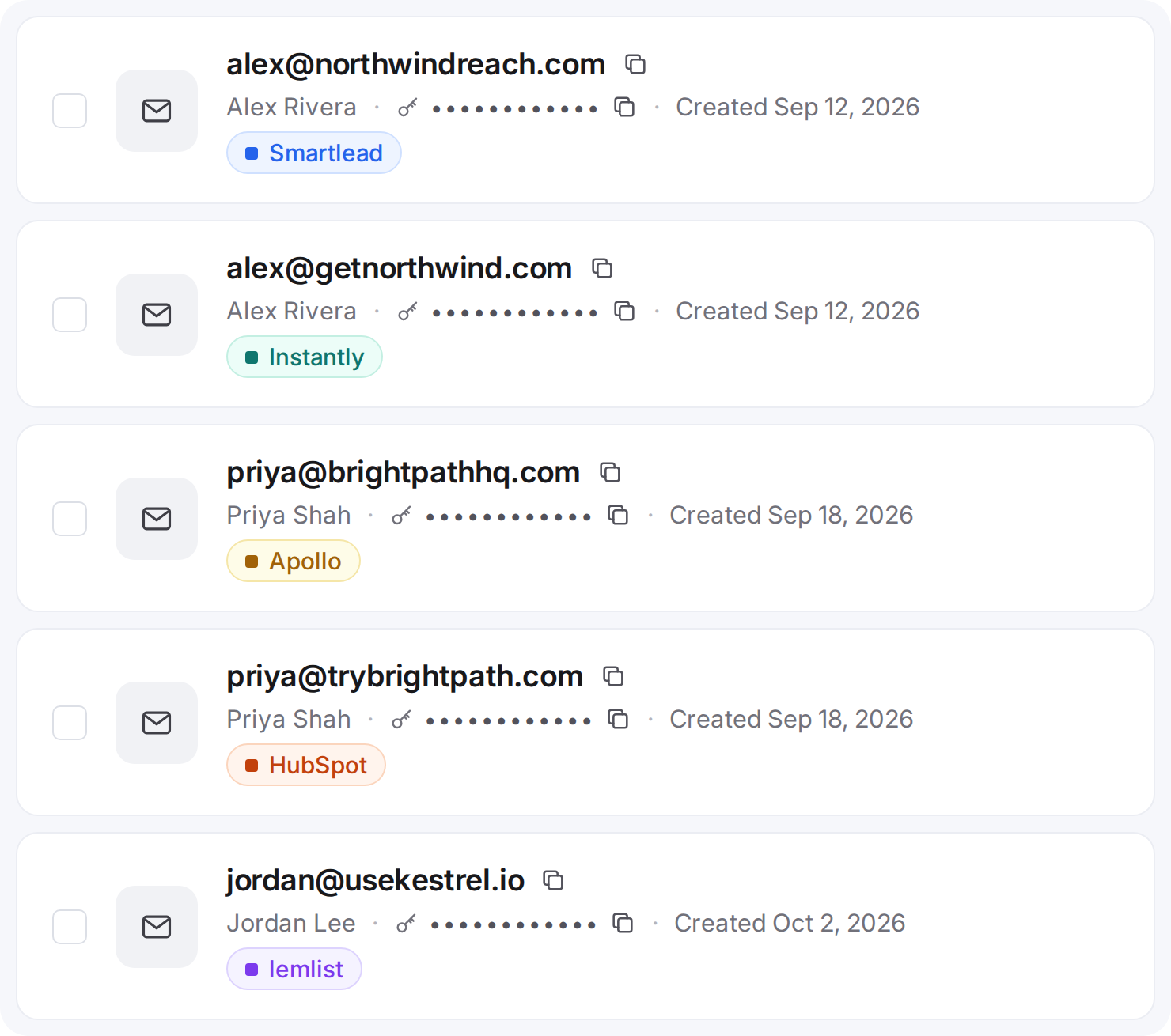
Pre-warmed mailboxes so that you don't have to wait 3 weeks before you start getting replies. Connect your domains, create your mailboxes and send from your favorite sequencers like Instantly, Smartlead, and EmailBison.

Protect your reputation with dedicated IPs

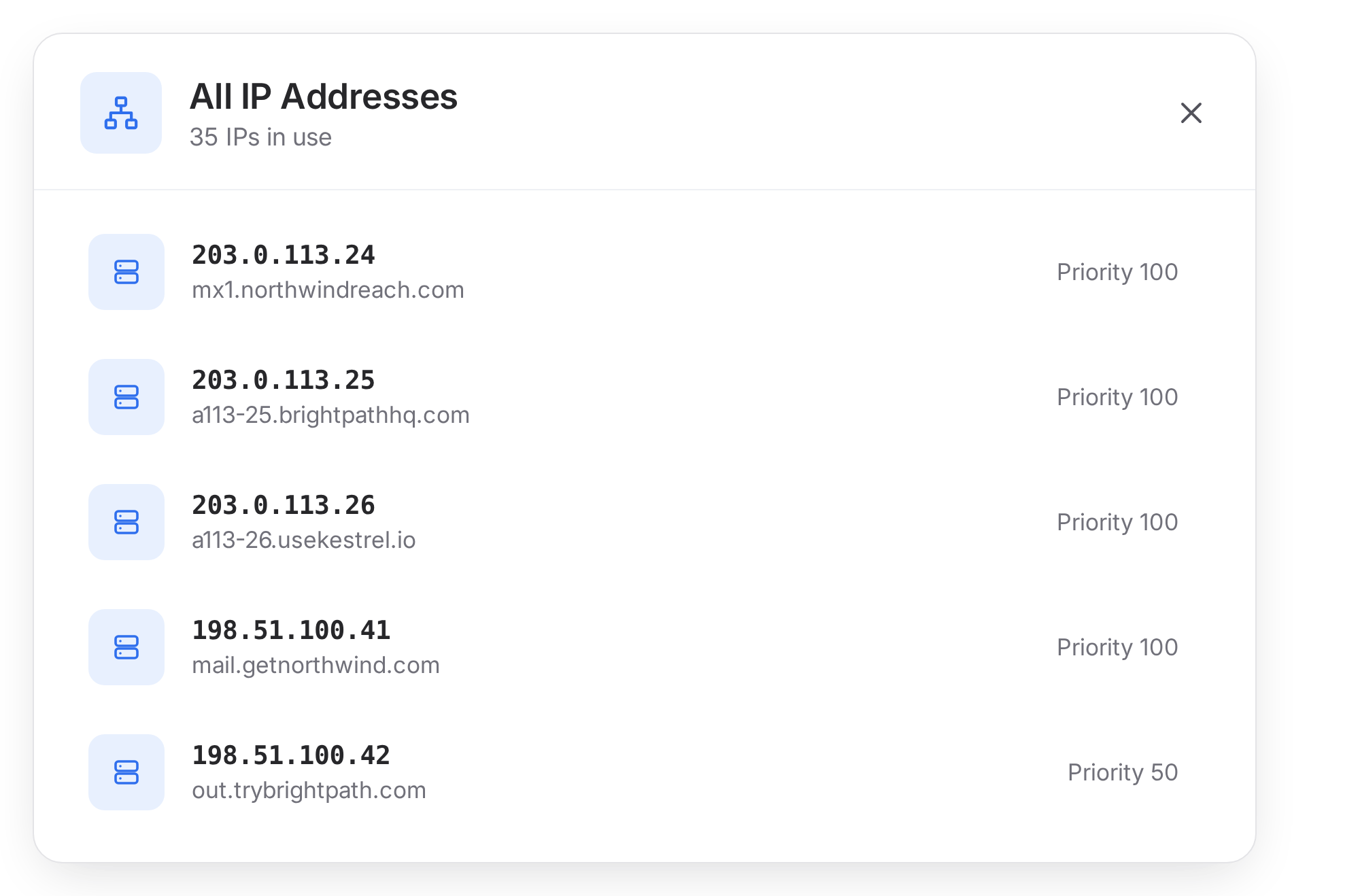
All your mailboxes run on dedicated US-IPs. When a rookie sends cold emails, you don't get hurt because of their mistake. Better reputation means more chances of landing in the primary inbox.

Aged domains that make your cold emails warm

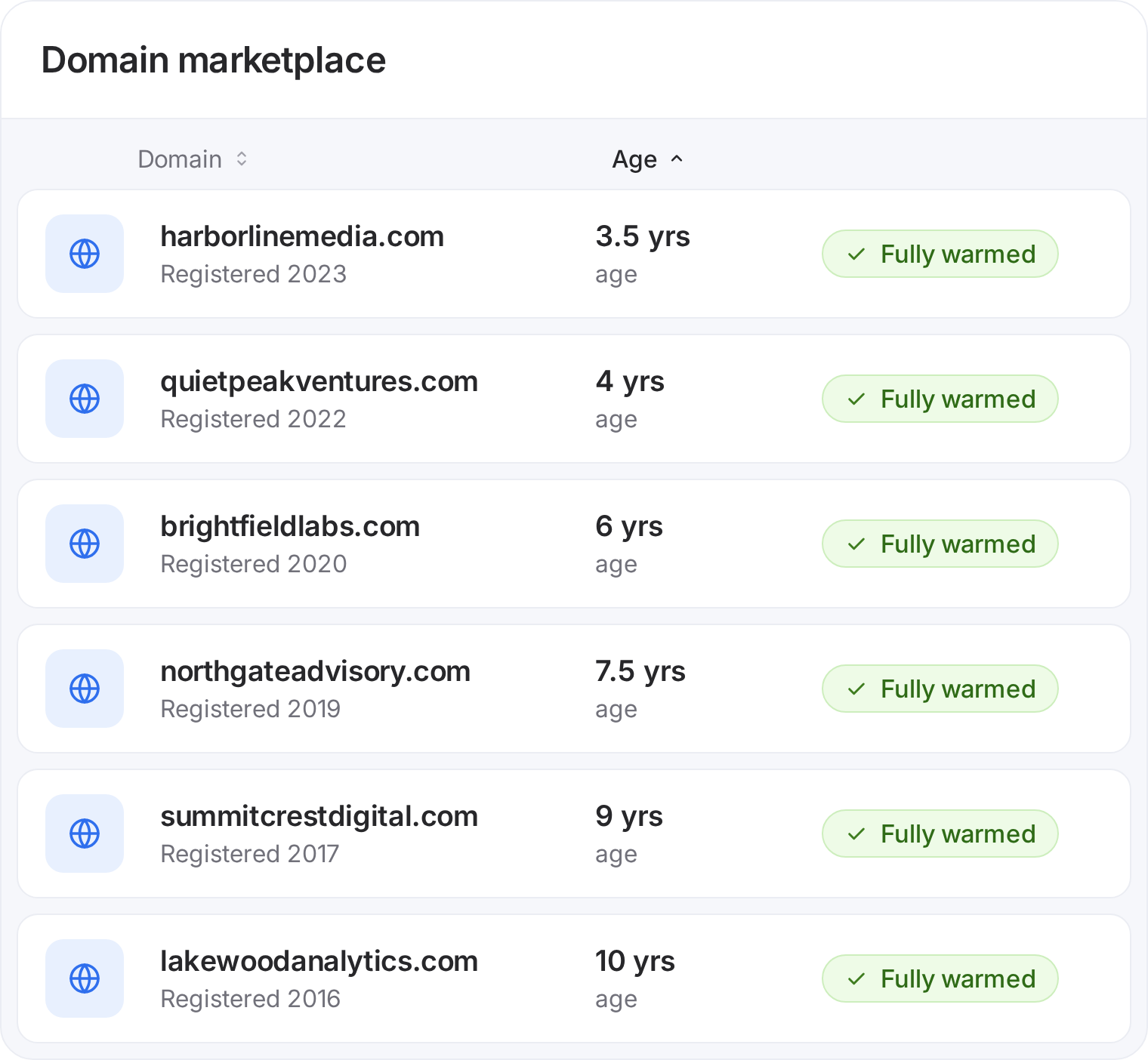
Aged domains help your mailboxes carry forward their domain reputation. With higher sending reputation, your cold emails get a higher odds of landing in your prospect's primary inbox.

Premium warmups for serious senders

Cold email mailboxes burn, that's a fact. That shouldn't stall your campaigns. Premium warmups make your new mailboxes ready to send faster.

AI assistant for automated infrastructure management

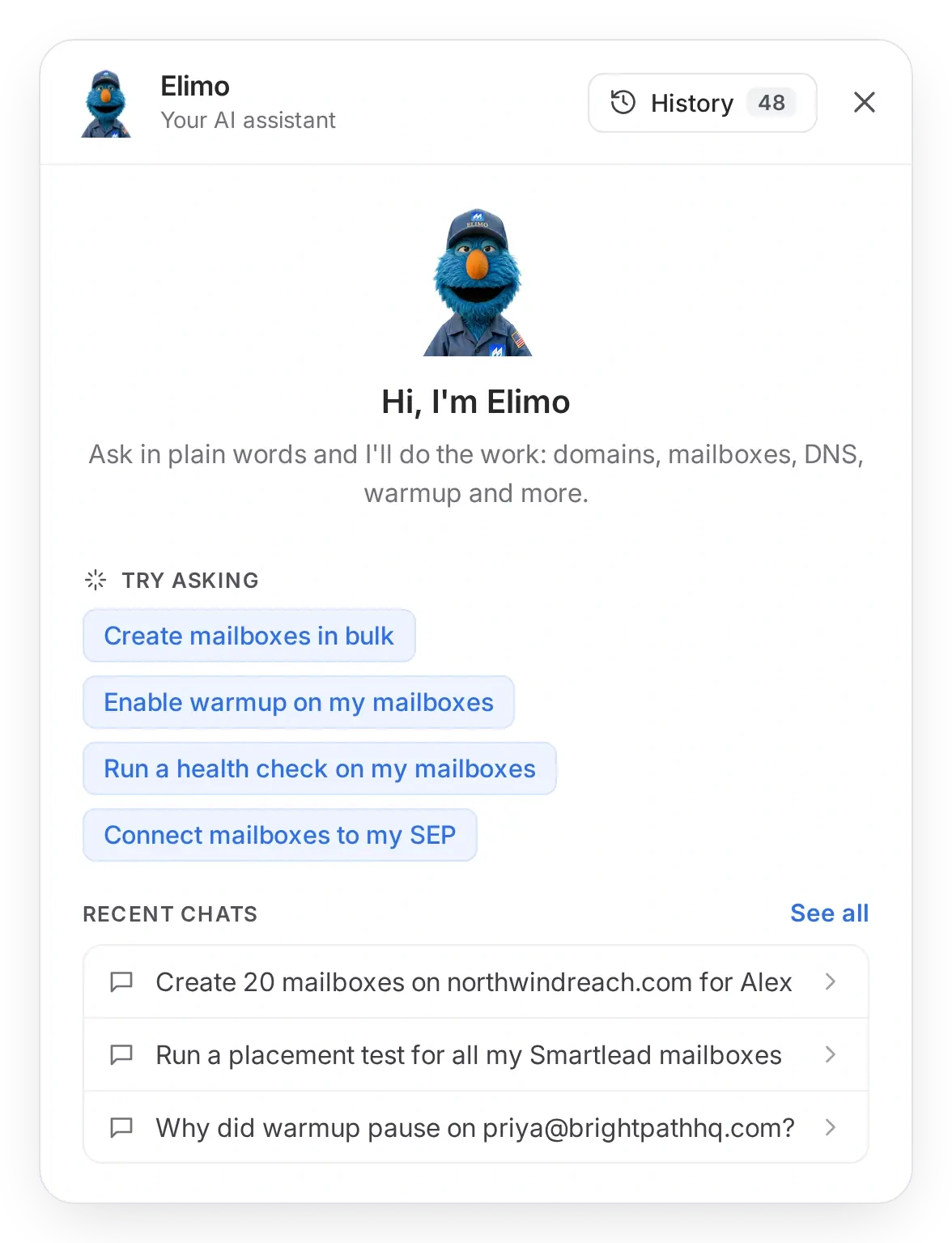
Want to spin up 100 new mailboxes?ย Or setupย DNS for all?ย Elimo, our AI assistant gets everything done. Focus on your targeting, copy and offers while our AI registers domains, sets up mailboxes and runs inbox placement tests for you.

Start Sending
โœ“ No credit card needed for signing up ย โœ“ 10 min setup ย โœ“ Auto-DNS
Connect without rebuilding your workflow

How does Mission Inbox work?

Launch sending infrastructure in minutes, not weeks.

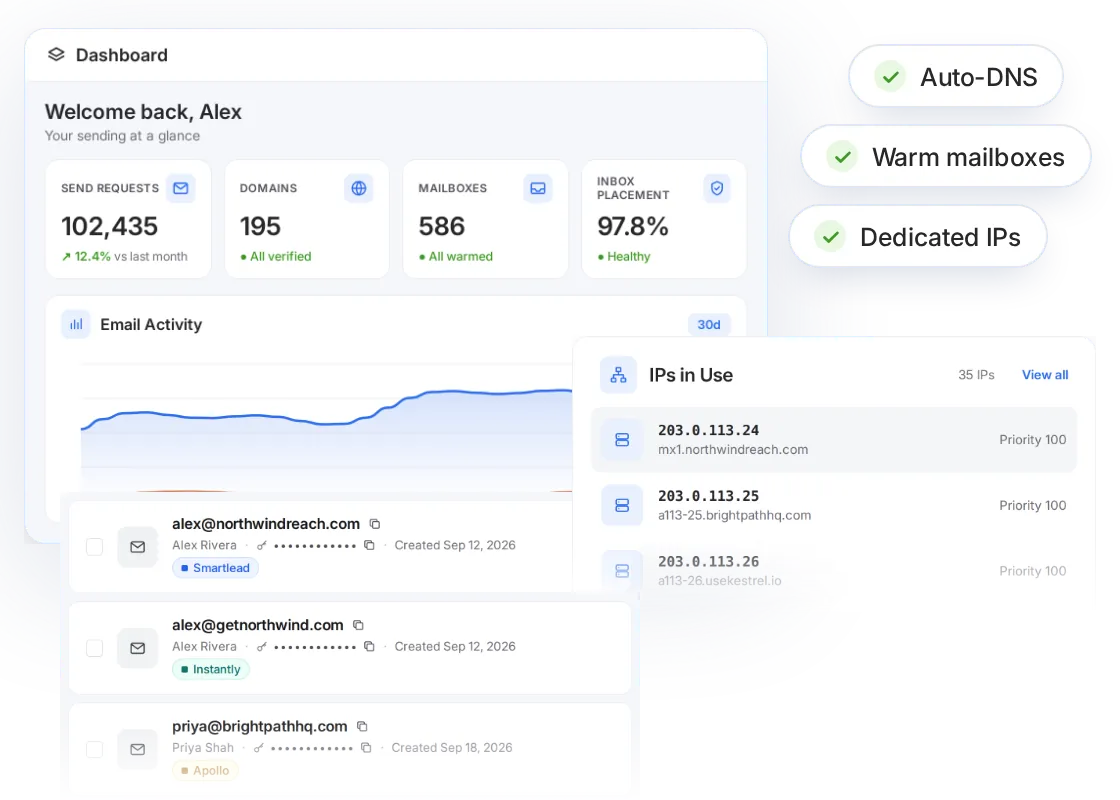
Pick aged domains, spin up pre-warmed mailboxes and get dedicated IPs at no extra cost. SPF, DKIM and DMARC are configured for you with Auto-DNS.

Launch your infrastructure
Mission Inbox dashboard with sending stats, mailboxes connected to sequencers, and dedicated IPs in use, with Auto-DNS, warm mailboxes and dedicated IPs ready

Keep your sequencer. Upgrade the infrastructure behind it.

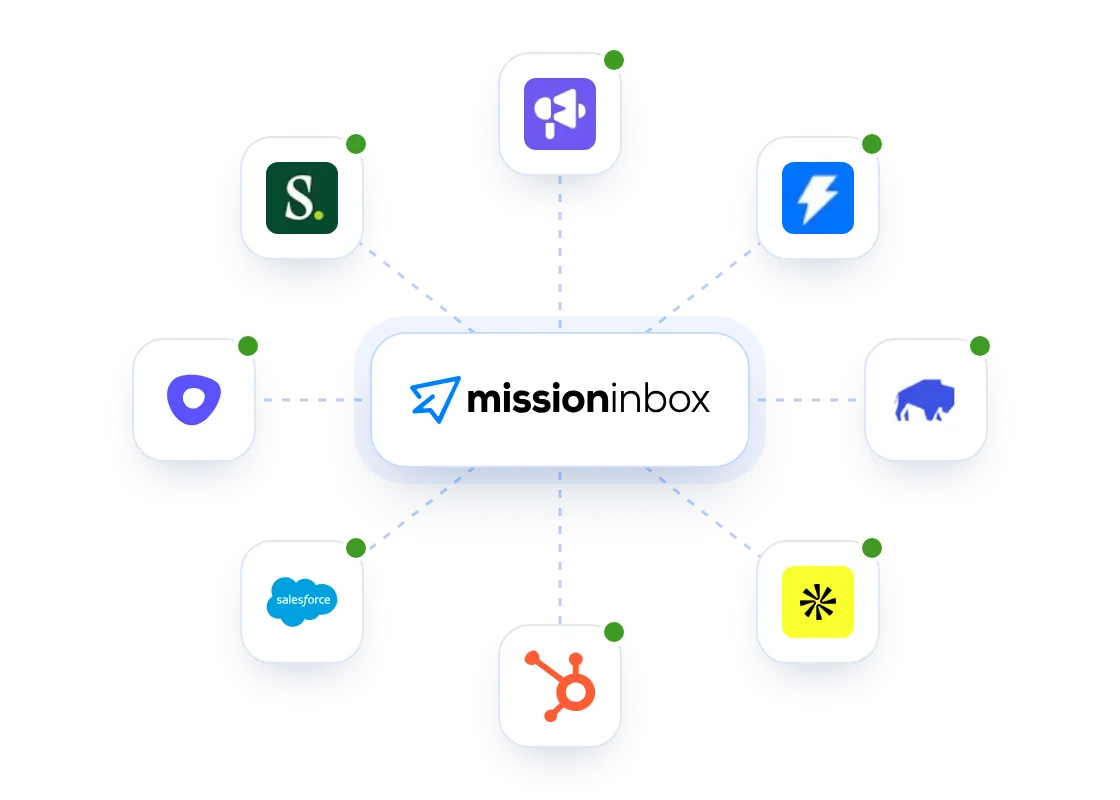
Continue using the mailbox, CRM, sequencer or product your team already knows. Mission Inbox becomes the infrastructure powering it.

Connect your sequencer
Mission Inbox connected to Smartlead, Instantly, EmailBison, Apollo, HubSpot, Salesforce, Outreach and Salesloft

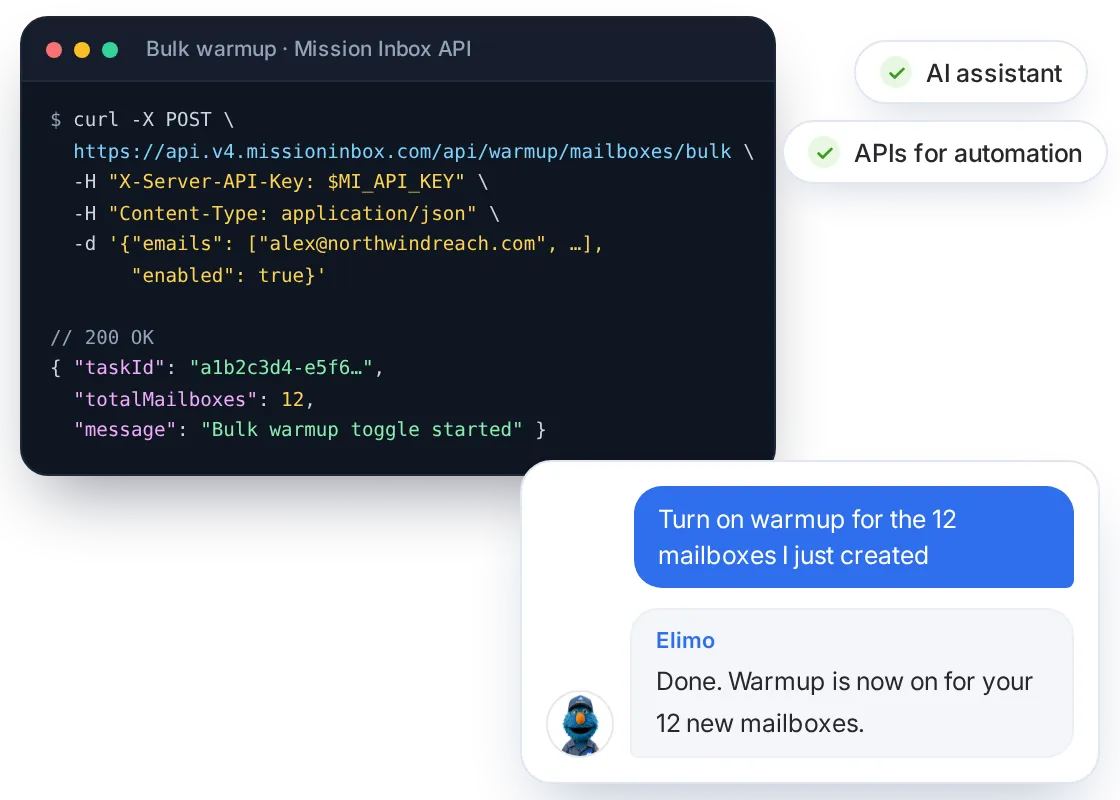
Automate it with APIs, or just ask Elimo.

Create domains and mailboxes in bulk, push DNS, toggle warmup and run health checks through the API. Prefer plain words? Elimo, your AI assistant, does the same work from a chat.

Get API access
A curl request to the Mission Inbox bulk warmup API starting warmup on 12 mailboxes, next to Elimo the AI assistant confirming the same task from a chat
Pricing

Send with total confidence, at any volume

Lite

For individuals and small teams that need reliable mailboxes and dedicated sending infrastructure.

$50
/ Month
Start Sending

15 mailboxes included

5,000 sends per month

Dedicated IP addresses

Analytics and sending logs

MI Shieldโ„ข (checks every email before it goes out)

Premium Warmups, paid add-on

Need more? Upgrade anytime.

Used by agencies and in-house revenue teams

Teams that rely on email, run on Mission Inbox. See what changed after they moved away from shared sending infrastructure.

33%

reply rate

โ€œ33% reply rate, 54% positive replies.โ€

Sary Jalkh

Sary Jalkh

Growth, Vessel

85%

open rates

โ€œ85% open rates across our client campaigns.โ€

Hussain Hazari

Hussain Hazari

Growth, Outbound Gen

2ร—

vs. G-Suite and Microsoft

โ€œ2ร— better than G-Suite and Microsoft infra.โ€

Ali Syed

Ali Syed

Founder, Citrus Assistants

10โ€“15%

reply rates

โ€œ10โ€“15% reply rates and up to 37.5% positive replies.โ€

Gabriel Martinez

Gabriel Martinez

Founder, Reachflow

10x

reply rate recovered

โ€œOur campaigns went back to reply rates above 5% from 0.5%, and lead volume didnโ€™t just return, it exceeded where weโ€™d been before.โ€

Joshua Solomon

Joshua Solomon

Founder, GTMx.run

14.57%

reply rate

โ€œWe hit a 14.57% reply rate with 34.38% interestedโ€ฆ and only 0.50% bounce rate.โ€

Dmitry Katsel

Dmitry Katsel

Founder, SpringTheory

90%

of outbound ESP mix

โ€œWeโ€™ve scaled our usage of Mission Inbox to 90% of our ESP mix for outbound campaigns.โ€

Charlie Hughes

Charlie Hughes

ORCA

~40%

lower infra costs

โ€œGiven how your infrastructure works, pricing and volume per inbox, we were able to cut costsโ€ฆ around 40%.โ€

Jed Mahrle

Jed Mahrle

Founder, Practical Prospecting

Mailscale pricing vs Mission Inbox, side by side

Mailscale doesn't publish its prices. Here's what you can see before a sales call, next to ours.

Mailscale

Mission Inbox

Monthly cost to send 5,000 emails a day

Not published: Mailscale quotes a custom price on a demo call

About $926 a month ($8.41 per 1,000): 167 mailboxes at 30 outbound emails a day each, plus 56 domains

Entry plan

No public plans: you book a call to get a price

Lite: $50/mo for 15 mailboxes ($3.33 each)

Higher volume

Custom quote

Scale: $199/mo for 30 mailboxes

Extra mailboxes

Custom quote

$1.50 to $3 each

Mailbox type

Not detailed publicly

Mailboxes built for cold email

Sending IPs

Not stated publicly

Dedicated US IPs, included

Pre-warmed mailboxes

Pre-warmed outreach domains advertised

Available

Email protection

Self-healing deliverability advertised

MI Shield checks every email before it sends, included

Deliverability tests

Placement monitoring advertised

Inbox placement tests included

API access

Not listed publicly

Available

Verdict: Mailscale's price isn't public. Ours is about $926 a month at 5,000 outbound emails a day.

Mailscale quotes on a demo call, so you can't compare before talking to sales. Ours is 167 mailboxes at 30 emails a day each, on dedicated IPs. Put your own volume into our price calculator to see your number.

Mailscale.ai shows no prices, checked Nov 11, 2026. Mission Inbox: 5,000 outbound emails a day over 22 sending days, on Scale.

Mailscale: what it does well, and where it falls short

A fair look before you switch. Facts are from Mailscale's own website and help center, November 2026.

What Mailscale does well

  • Pre-warmed outreach domains, so you can skip the usual warm-up wait.
  • Self-healing deliverability that reroutes sends when an inbox starts to degrade.
  • An agentic offer that adds lead data, AI-written copy and a reply agent.
  • Setup that G2 reviewers often call quick and easy.

Where Mailscale falls short

  • Doesn't say publicly whether inboxes send from shared or dedicated IPs.
  • No public pricing page; plans are quoted on a demo call.
  • No API access listed publicly.
  • On Trustpilot, one reviewer reports deliverability below 50% by week two, and another waited more than two weeks for support.

If you want public pricing and your own sending reputation, that's the gap Mission Inbox fills: dedicated US IPs and pre-send checks on every plan, no sales call needed.

Alternatives by use case

More Mailscale alternatives

Pricing you can see without a call

Mission Inbox pricing is public: $199 a month for 30 mailboxes on a dedicated IP, with $159 off your first month. No demo needed to get started.

  • Mission Inbox: dedicated US IPs included on every plan, plus MI Shield checks on every email before it sends.
  • Mailreef: a dedicated mail server and IP on every plan, from $249/month plus $0.001 per send.
  • Inframail: Microsoft-backed inboxes with 1 dedicated US IP on its $147/month plan.
  • Infraforge: private servers with dedicated IPs; extra IPs cost $99 each per month.
Try Mission Inbox

A dedicated IP only your team uses

Mission Inbox mailboxes send from a dedicated IP, so your sender reputation is built by your team alone.

  • Mission Inbox: SMTP mailboxes on dedicated IPs, from $50/month for 15 mailboxes.
  • Mailreef: its own dedicated mail servers, 150+ mailboxes per server, from $249/month plus $0.001 per send.
  • Maildoso: $75/month for 30 mailboxes, with IP rotation.
Try Mission Inbox

Every email screened before it sends

MI Shield checks every Mission Inbox email before it goes out, included on every plan.

  • Mission Inbox: mailboxes, dedicated IPs, aged domains, Auto-DNS, MI Shield and inbox placement tests in one product.
  • Mailforge: from $3 per mailbox on a shared IP pool, with domains billed separately and warmup through a separate product.
  • Primeforge: Google and Microsoft mailboxes from $4.50 per mailbox, with domains billed separately.
Try Mission Inbox

Everything you need to know before you send

Clear answers on setup, infrastructure and how Mission Inbox fits into your existing workflow.

Contact Us
What is Mailscale?
How much does Mailscale cost?
Does Mailscale use dedicated IPs?
Is Mission Inbox a good Mailscale alternative?
Can I switch from Mailscale to Mission Inbox?
Do I get dedicated IPs?
Why do aged domains matter for cold email?
Are mailboxes pre-warmed?
What is MI Shieldโ„ข?
What can Elimo, the AI assistant, do?
How fast can I set up cold email infrastructure?
Which sequencers does it work with?
Can I use my own domains?
How do I know my cold emails are reaching the inbox?
Can I try it before connecting my own setup?

Stop sharing your reputation with strangers

Get your own servers and your own IPs. Your sending reputation is 100% yours.

Thank you! Your submission has been received!
Oops! Something went wrong while submitting the form.